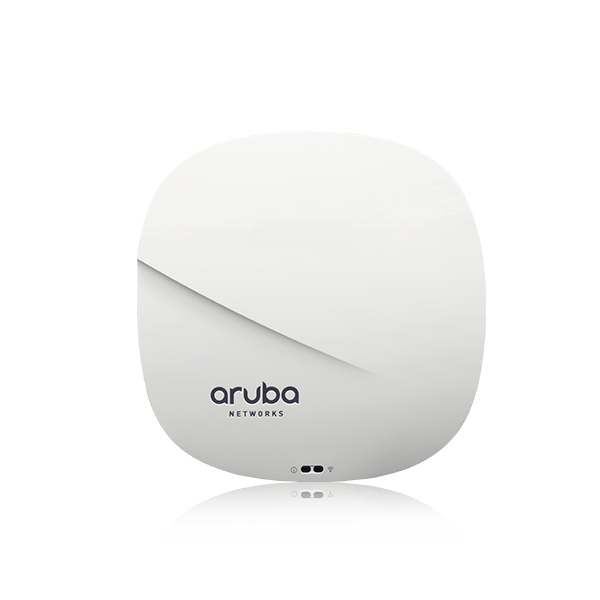
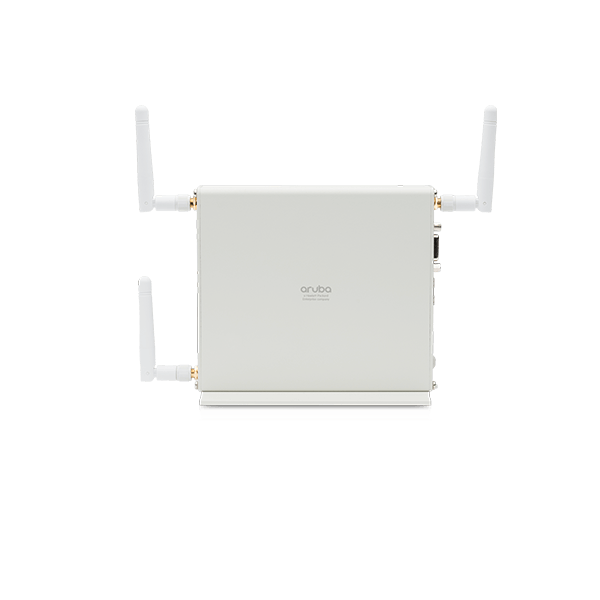
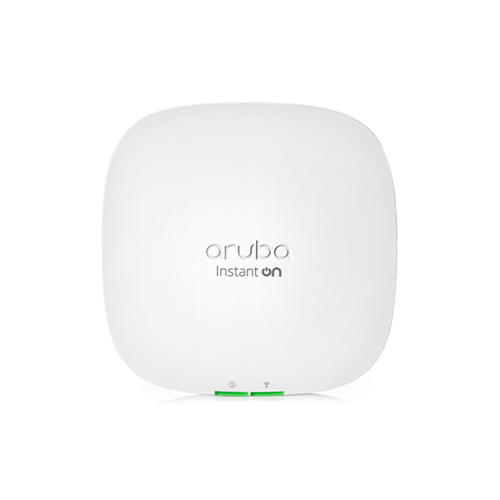
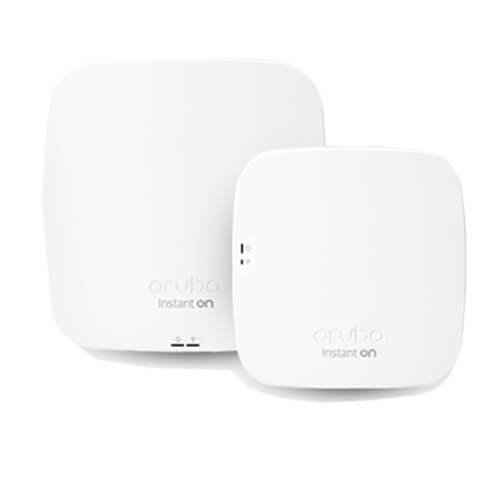
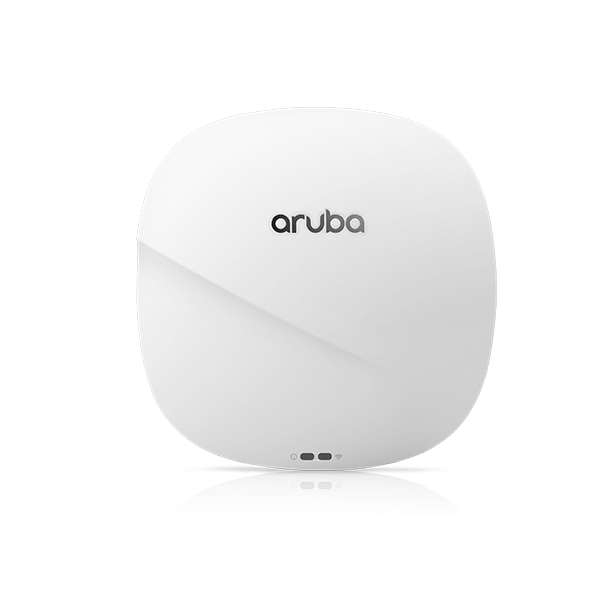
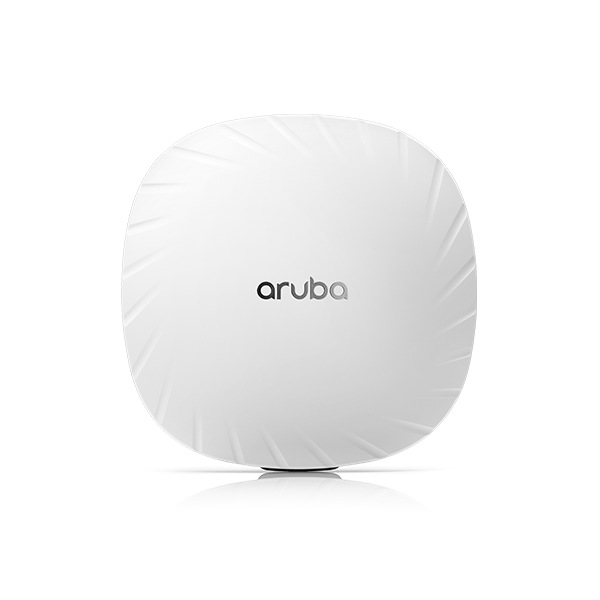
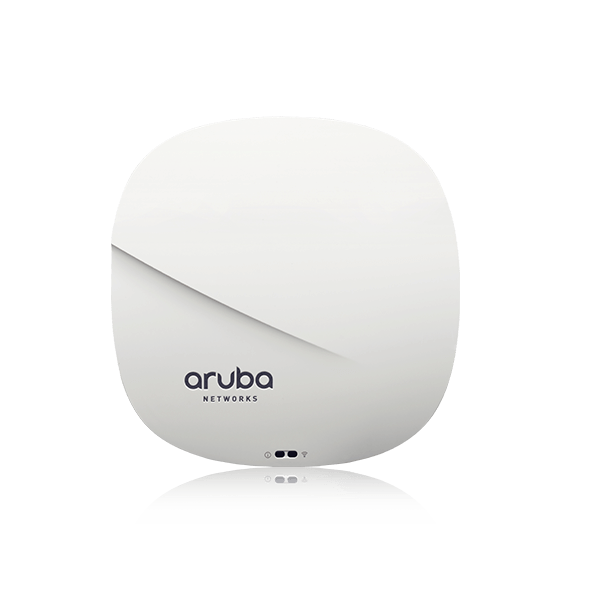
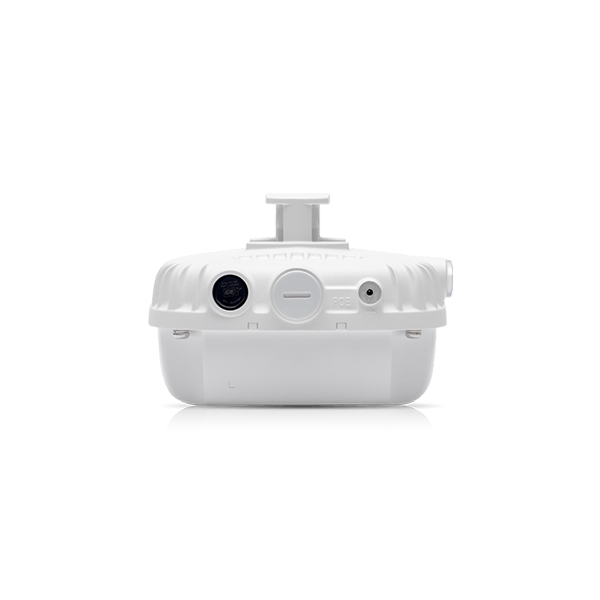
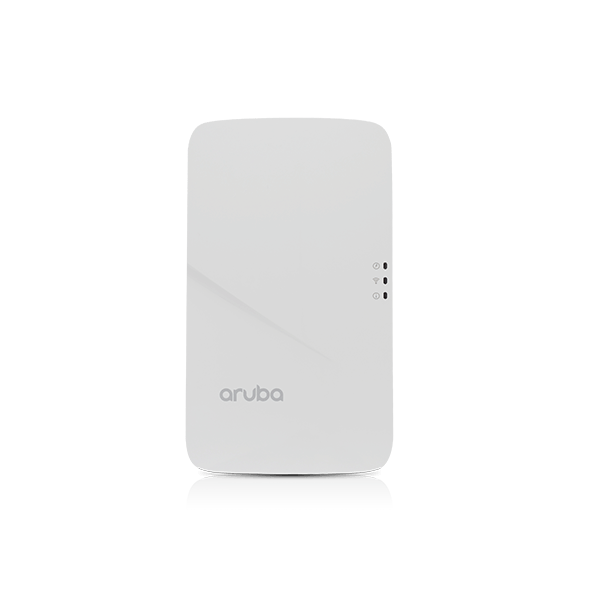
Description Overview This compact access point ensures the most cost-effective Wi-Fi connectivity for indoor premises including hotel rooms, dormitories, small offices and remote workstations. It’s software configurable to operate in either 1×1 dual radio mode, or 2×2 single radio mode. Powered by PoE, it minimizes power consumption with rich features that further facilitates a highly efficient and reliable wireless network, and combines wireless and wired access in a single compact device. This AP can be easily mounted to a standard data wall-box using the existing structured cabling system or converted to a desk mounted AP using an optional mounting kit. AP-203H SERIES SPECIFICATIONS Unified flexible radio 802.11ac 2×2:2SS hospitality and branch AP with internal antennas Supports wall-box and desk mount deployments WI-FI RADIO SPECIFICATIONS AP type: Indoor, flexible radio: 5GHz 802.11ac 2×2 MIMO OR 2.4GHz 802.11n 2×2 MIMO1, or 5GHz 802.11ac 1×1 AND 2.4GHz 802.11n 1×11 Software-configurable radio supports 5GHz (Radio 0) and/or 2.4GHz (Radio 1) 5GHz: Two spatial stream Single User (SU) MIMO for up to 867Mbps wireless data rate to individual 2×2 VHT80 client devices 2.4GHz: Two spatial stream Single User (SU) MIMO for up to 400Mbps wireless data rate to individual 2×2 VHT40 client devices (300Mbps for HT40 802.11n client devices) Support for up to 32 associated client devices per radio, and up to 8 BSSIDs per radio Supported frequency bands (country-specific restrictions apply): 2.400 to 2.4835GHz 5.150 to 5.250GHz 5.250 to 5.350GHz 5.470 to 5.725GHz 5.725 to 5.850GHz Available channels: Dependent on configured regulatory domain Dynamic frequency selection (DFS) optimizes the use of available RF spectrum Supported radio technologies: 802.11b: Direct-sequence spread-spectrum (DSSS) 802.11a/g/n/ac: Orthogonal frequency-division multiplexing (OFDM) Supported modulation types: 802.11b: BPSK, QPSK, CCK 802.11a/g/n/ac: BPSK, QPSK, 16-QAM, 64-QAM, 256-QAM Transmit power: Configurable in increments of 0.5 dBm Maximum (conducted) transmit power (limited by local regulatory requirements): 2.4GHz band: 18 dBm per chain, 21 dBm aggregate (2×2 mode) 5GHz band: 16 dBm per chain, 19 dBm aggregate (2×2 mode) Note: conducted transmit power levels exclude antenna gain. For total (EIRP) transmit power, add antenna gain Maximum ratio combining (MRC) for improved receiver performance Cyclic delay/shift diversity (CDD/CSD) for improved downlink RF performance Short guard interval for 20MHz, 40MHz and 80MHz channels Space-time block coding (STBC) for increased range and improved reception Low-density parity check (LDPC) for high-efficiency error correction and increased throughput Transmit beam-forming (TxBF) for increased signal reliability and range (2×2 mode) Supported data rates (Mbps): 802.11b: 1, 2, 5.5, 11 802.11a/g: 6, 9, 12, 18, 24, 36, 48, 54 802.11n: 6.5 to 300 (MCS0 to MCS15) 802.11ac: 6.5 to 867 (MCS0 to MCS9, NSS = 1 to 2 for VHT20/40/80) 802.11n high-throughput (HT) support: HT 20/40 802.11ac very high throughput (VHT) support: VHT 20/40/80 802.11n/ac packet aggregation: A-MPDU, A-MSDU WI-FI ANTENNAS Two integrated dual-band moderately directional antennas for 2×2 MIMO with maximum individual antenna gain of 4.9dBi in 2.4GHz and 6.0dBi in 5GHz. Built-in antennas are optimized for vertical orientation of the AP. The horizontal beamwidth is roughly 120 degrees. Combining the patterns of each of the antennas of the MIMO radios (in 2×2 mode), the peak gain of the effective per-antenna pattern is 2.3dBi in 2.4GHz and 3.4dBi in 5GHz. OTHER INTERFACES Uplink: 10/100/1000BASE-T Ethernet (RJ-45, back) Auto-sensing link speed and MDI/MDX 802.3az Energy Efficient Ethernet (EEE) PoE-PD (input): 48 Vdc (nominal) 802.3af/at PoE Local: 10/100/1000BASE-T Ethernet (RJ-45, bottom) Auto-sensing link speed and MDI/MDX 802.3az Energy Efficient Ethernet (EEE) Passive pass-through interface (two RJ-45, back and bottom) USB host interface (Type A connector) For Aruba LS-BT1USB BLE radio modules only Visual indicators (LEDs): Power/system status Radio status Local network port status Reset/LED control button (“paperclip access”) Factory reset (when activated during device power up) LED control: toggle off/normal Serial console interface (custom, uUSB physical jack)